
1. Set up the job in the lobby
Use Play to open Create Lobby. Select an owned house, choose the player count and check the Budget setting before starting. The recorded lobby offers Shared and Individual budget modes; make that choice together if you are bringing friends.
For a first attempt, choose the starter property and play through the tutorial prompts. A bigger property means more rooms to check. You do not need a paid bundle to learn the clean → furnish → sell sequence.
2. Carry the trash to the dumpster
Pick up the marked rubbish and take it to the outdoor dumpster. A vacuum is for dirty surfaces, so holding it over a loose rubbish item is not a substitute for removing that item.
Follow the trash counter until it is complete. If one piece is missing, retrace your carrying route and check behind doors, upstairs and outside. In the recorded run, an item thrown outside still needed to reach the dumpster.
3. Finish the surface-cleaning objective
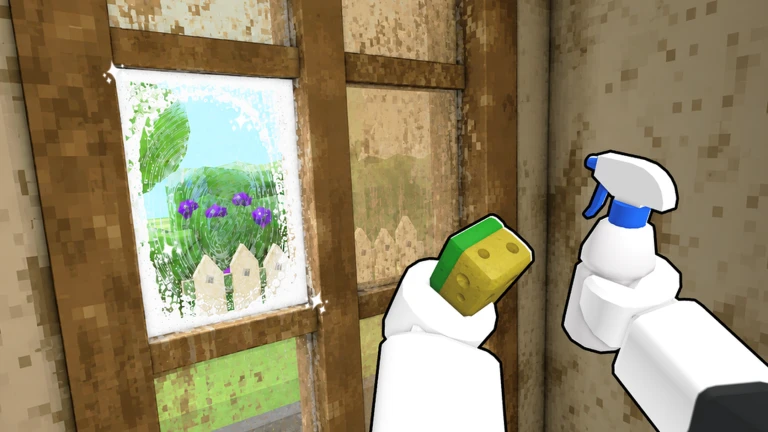
Select the vacuum for floors and the sponge for walls and other scrubbed surfaces. Follow the tutorial’s glowing target first. Sweep systematically through each room instead of moving back and forth across the house.
Use the dirt-highlighting control if patches are hard to see. Check the counter and the cleaning-complete message before moving on; a room that looks clean can still have a small missed surface. The cleaning guide has a recovery sequence for a stalled counter.
4. Order, collect and place the furniture
Read the current room’s furniture requests, then buy the matching items in the catalogue. Delivery is a separate step: collect the items from outside and carry them into the house. Buying a chair alone does not put it in the room.
Put away the cleaning tool if you cannot grab a delivered object. Follow the placement target or the item’s room instruction, and check that the requirement changes after placement. Free-placement items shown in the recording still needed a green surface in the correct room.
5. Read the offer and finish the sale
Buyers can contact you while you are still furnishing. Read the amount before accepting. You can continue working instead of taking an early offer, but this guide does not promise that every later offer will be better.
When you accept, let the sale finish and read the settlement screen. The quoted house price and your final reward are different figures in the recorded run. Use the actual balance change to track earnings, especially if boosts or paid equipment are active.
6. Return, unlock and equip
Return to the lobby. Check Equipment for vacuums and sponges, Vans for vehicle benefits, and Properties for the next house. Read the price and level requirement before buying.
Select Equip after an unlock and check that the item is marked as equipped. One creator bought a bundle during a job but continued with the old tools until equipping the new gear in the lobby. Start the next job only after that check.